• The App
  • The FAQ
So what's the deal?

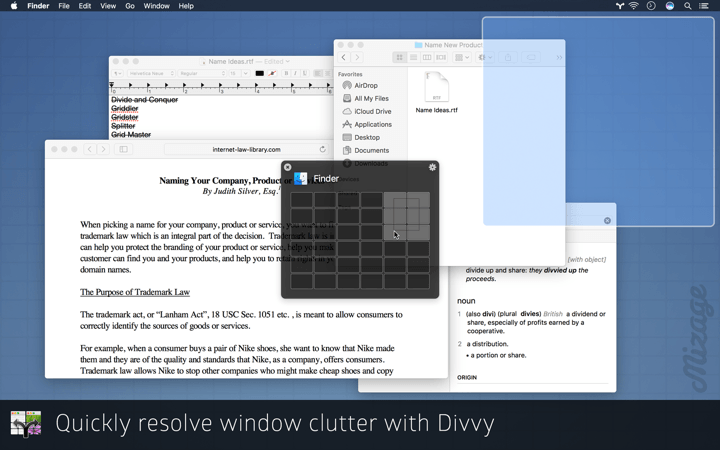
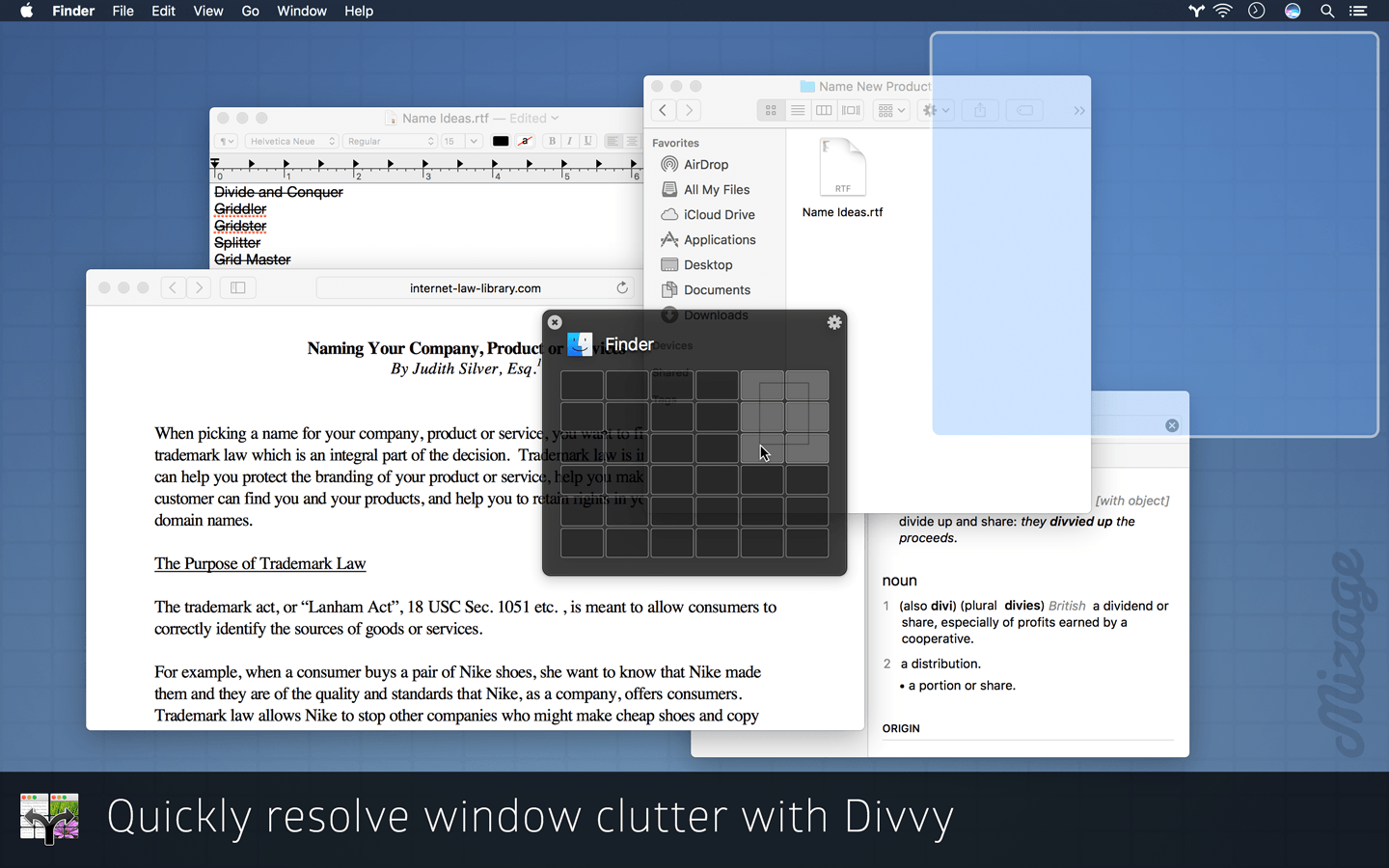
Managing windows on Mac OS X can be frustrating, requiring precision control of your mouse or trackpad for clicking, dragging, pushing and pulling your windows to the size and position you desire. Even with all this work, it’s very difficult to get windows exactly where you want them, so most of the time windows are left scattered all over the screen. The solution? Divvy.

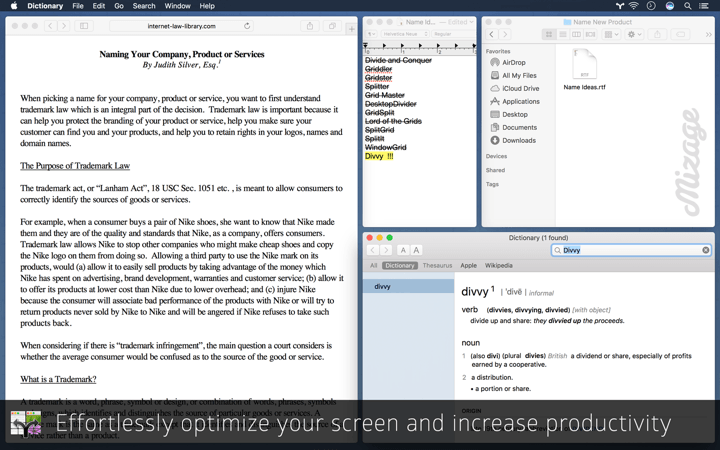
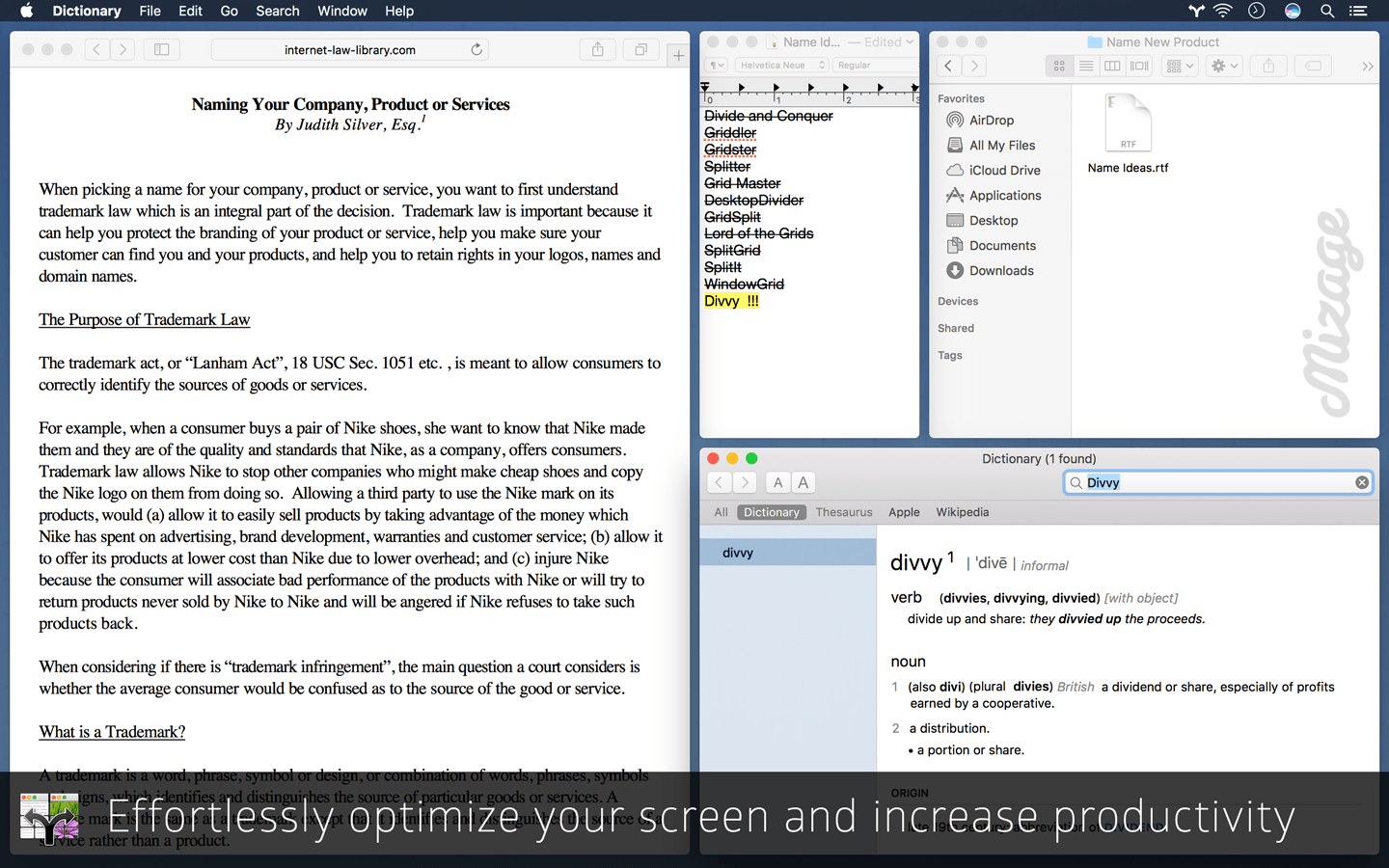
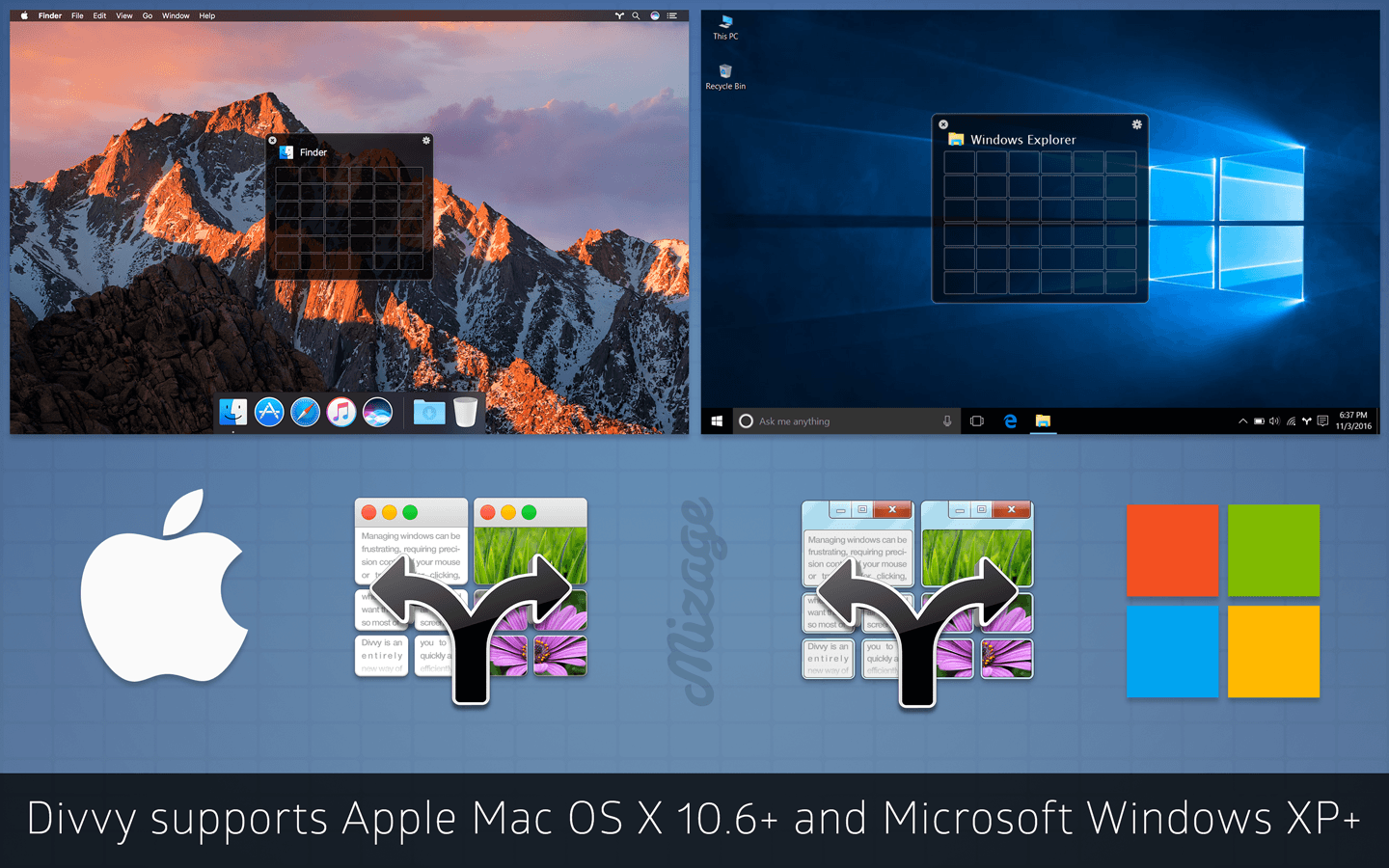
Divvy is an entirely new way of managing your workspace. It allows you to quickly and efficiently "divvy up" your screen into exact portions.

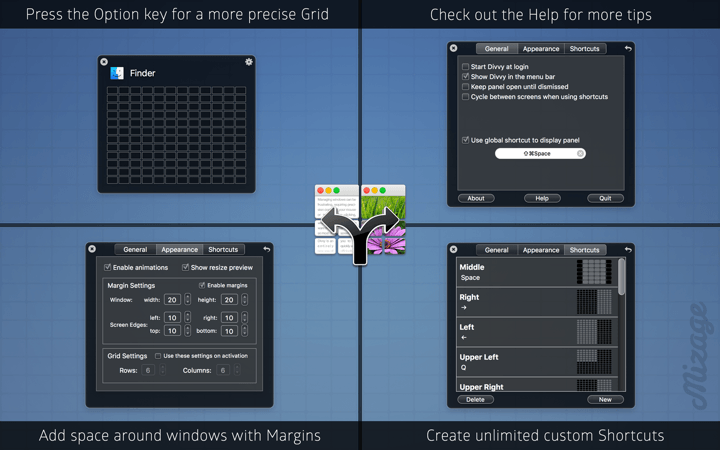
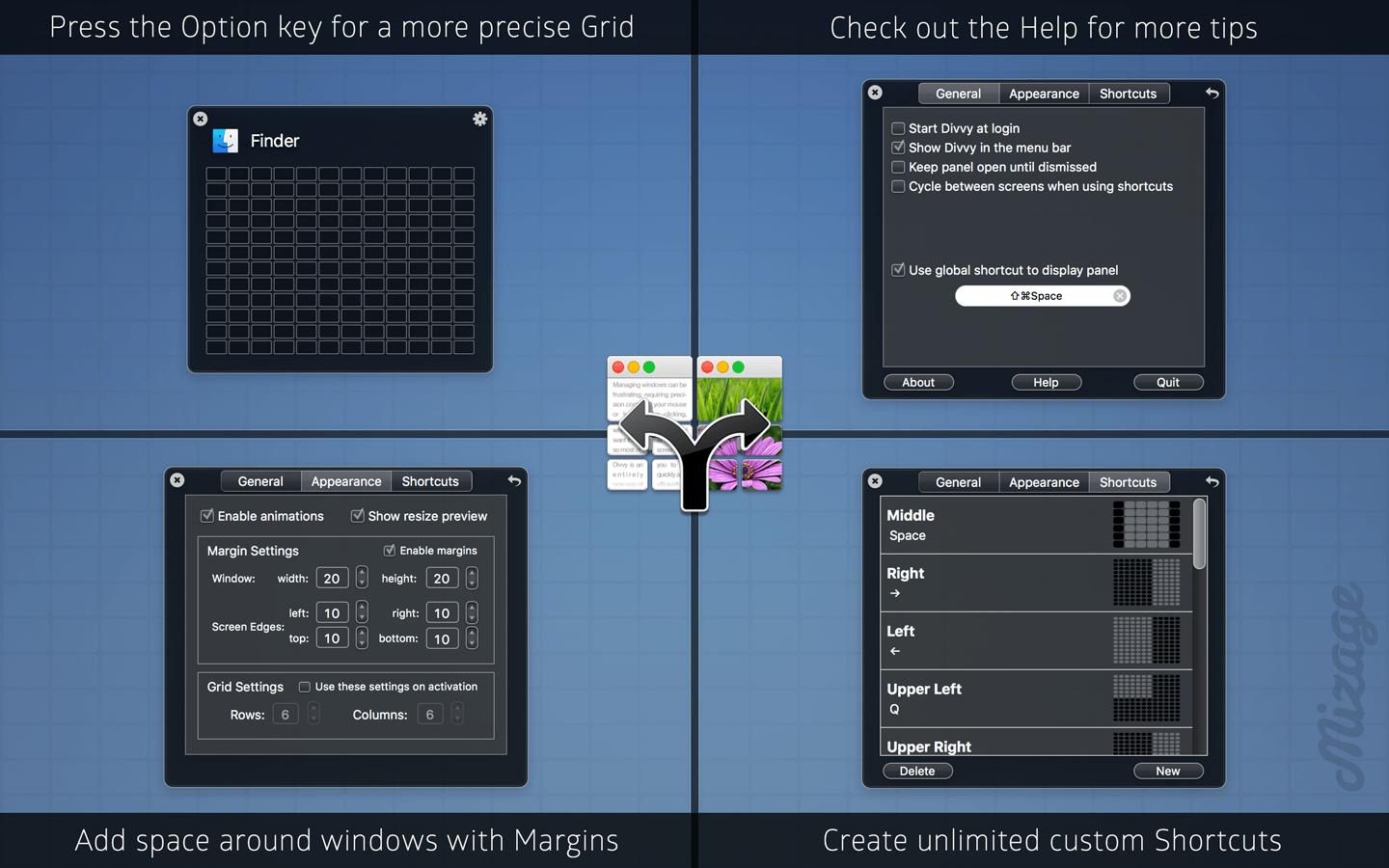
With the Divvy interface it’s as simple as a single click and drag in the Divvy interface and your window will be resized and moved to a relative portion of the screen. If that seems like too much work, you can go ahead and create as many different shortcuts as you'd like that resize and move your windows.

Divvy is designed to be quick, simple and elegant. We want it to stay out of your way as much as possible while providing the most powerful window management available today.

Take a look at the screencast over there to the right to get a better idea of what we're talking about, then go ahead and download the demo to try it out for yourself. Or you could buy it right away. That's fine too.

See it in action
We get these a lot.

My window doesn't resize!

Unfortunately, not all applications play as nicely with OS X as they should. If the application doesn't allow the operating system to resize its windows, there's nothing we can do about it.

I resized a window, but it didn't get as big/small as I wanted!

Some windows set a minimum and/or maximum allowable size. iPhoto is a good example of this. If you try to manually make it really small, it will not let you; it stops at a certain point. Divvy can only resize to the minimum/maximum allowed by the window.

Does Divvy work on multiple monitors?

Absolutely! Divvy will display its panel on every monitor you have connected. You can use Divvy to move windows between monitors by dragging out a selection in the Divvy panel on the monitor you want the window to go to. Additionally, if you use shortcuts, the window will move to the monitor on which the mouse cursor currently resides.

I removed the Divvy icon from the status bar and I can't get it back!

Sure you can! Just launch the application again. It'll pop up the panel and you can flip over to preferences to get the icon back.

Can Divvy 'remember' where I put my windows?

Nope! Divvy is designed to be excellent at one task: arranging windows quickly. Remembering, or anchoring windows is beyond the scope of Divvy. However, it's something we're looking in to…

Can I use my license on more than one Mac?

If you have multiple Macs and you're the only one who uses them, please feel free to use a license on all of them.
If multiple people use multiple Macs, we'd appreciate if you'd purchase an additional license per Mac or per person, whichever is fewer.

I lost my license!

Breathe. It's fine. We got you covered. Just head over to the License Lookup page and you'll be fine.

Design by Taylor Carrigan.